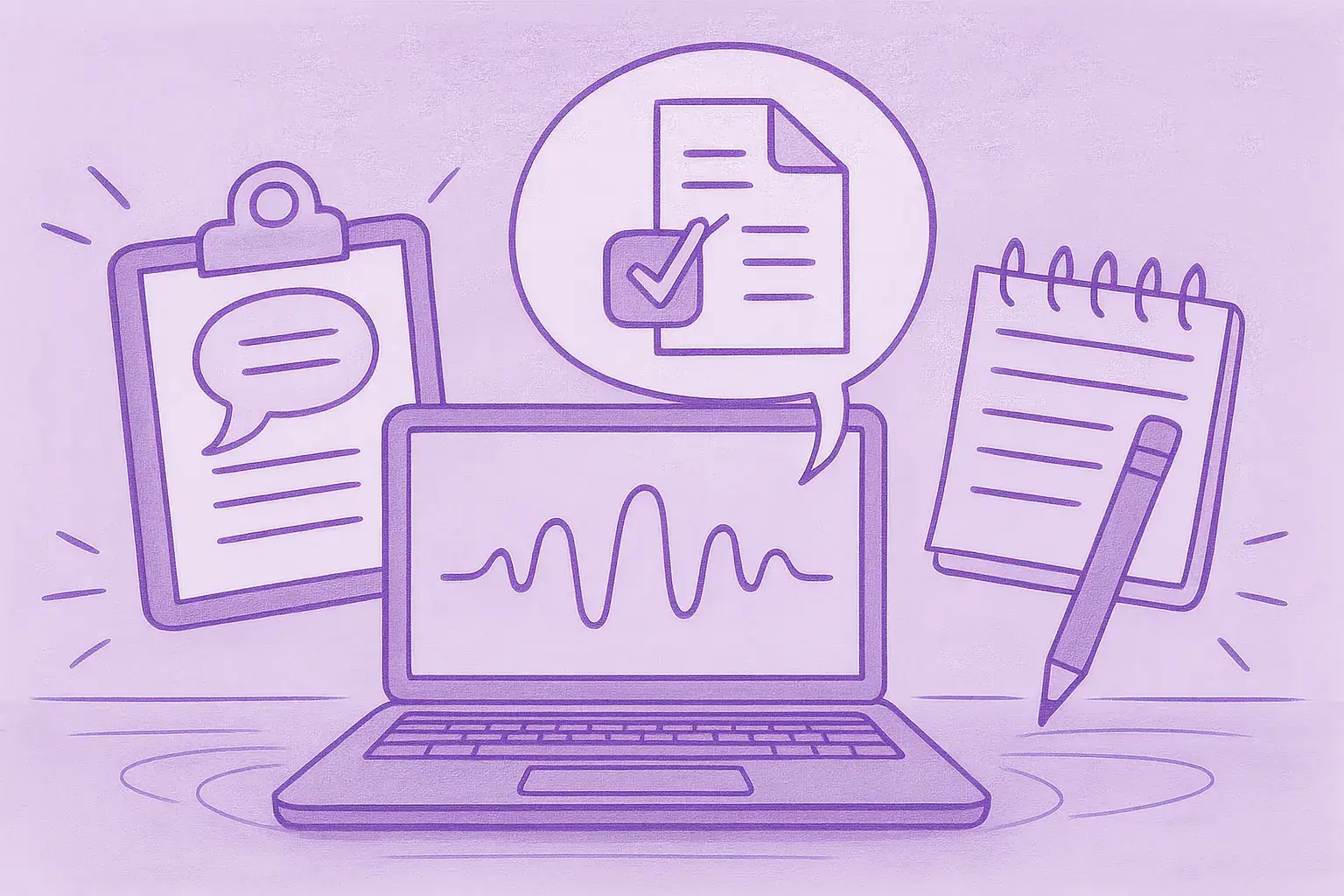
Transcribing meetings, interviews, podcasts, or social videos is one of those recurring production tasks that should be simple but rarely is. Teams spend hours cleaning up auto-captions, stitching together speaker turns, or fixing subtitle timing. Content sits idle while someone copies timestamps or creators resort to downloading full video files, creating compliance and storage issues.
This guide walks through the real tradeoffs, practical workflows, and decision criteria you should consider when turning recorded speech into usable text. It covers both audio transcription and video transcription needs, including Instant Audio Transcription workflows that reduce cleanup and speed up publishing.
Why transcripts matter beyond accessibility
Transcripts are the connective tissue of modern content workflows.
Key benefits supported by Instant Audio Transcription
- SEO: Search engines index text more effectively than audio or video. Clean transcripts improve discoverability.
- Repurposing: One interview can become blog posts, social clips, and newsletter highlights.
- Editorial accuracy: Quotes and citations are easier to verify.
- Accessibility and localization: Subtitles and translated captions expand reach.
- Analysis and insights: Transcripts enable topic analysis and summarization.
Despite these benefits, workflow friction often slows teams down.
Common pain points and tradeoffs
Before selecting tools, understand the most common issues.
Typical challenges in Instant Audio Transcription workflows
- Quality vs speed
- Fast transcription may struggle with noise or technical vocabulary.
- Human services are accurate but slower and costly.
- Cost structure
- Per-minute billing becomes unpredictable at scale.
- Speaker attribution and timestamps
- Missing or misaligned data increases manual editing.
- Platform compliance and storage
- Downloading hosted videos can violate terms and add overhead.
- Output formats
- Some tools only produce rough captions, not publish-ready text.
- Editing overhead
- Raw captions often need extensive cleanup.
Understanding these tradeoffs helps align tools with real production needs.



Decision criteria for selecting Instant Audio Transcription tools
Use this checklist when evaluating options.
Evaluation checklist
- Accuracy and speaker handling
- Automatic speaker labels
- Precise timestamps
- Input flexibility
- Support for links, uploads, or in-platform recording
- Output formats
- Transcripts, SRT, VTT, CMS-ready exports
- Editability and cleanup
- Built-in cleanup rules and editing controls
- Segmentation control
- Easy resegmentation for subtitles or articles
- Translation and localization
- Subtitle-ready translations
- Scale and cost predictability
- Flat or unlimited plans
- Compliance and workflow fit
- Avoids forced downloads
- Integrations
- CMS, editors, analytics
- Turnaround time
- Near-instant results when needed
Typical transcription approaches and limitations
Platform auto-captions
Pros
- Free and fast
Cons
- Poor speaker separation
- Limited editing and exports
Download and local processing
Pros
- Full file control
Cons
- Compliance risks
- Storage overhead
- Heavy cleanup
Human transcription services
Pros
- High accuracy
Cons
- Expensive and slow
Cloud-first Instant Audio Transcription platforms
Pros
- Fast, scalable
- Link-based workflows
- Integrated editing and subtitles
Cons
- Accuracy and pricing vary by provider
Practical steps for an efficient Instant Audio Transcription workflow
- Capture clean audio
- Choose link-based or upload input
- Generate an initial transcript
- Apply automatic cleanup
- Resegment for the intended use
- Review key passages
- Export required formats
- Repurpose and publish
- Archive searchable transcripts
This process scales from a single episode to large libraries.
Tools and techniques by use case
- Lightweight editors for quick tasks
- Enterprise platforms for scale and automation
- Human services for verbatim accuracy
- Cloud-first Instant Audio Transcription tools for compliance-friendly, fast workflows
A link-first approach often removes the download-cleanup loop entirely.
SkyScribe as a practical option
SkyScribe is an example of a platform built around Instant Audio Transcription without requiring hosted content downloads.
Capabilities relevant to Instant Audio Transcription
- Instant transcription from links, uploads, or recordings
- Subtitle exports (SRT/VTT) with timestamps and speaker labels
- Interview-ready segmentation
- Easy resegmentation
- One-click cleanup rules
- Unlimited transcription plans
- Content summaries and outlines
- Translation into 100+ languages
- AI-assisted editing
This is a contextual reference to illustrate how a link-first workflow can reduce friction.
Practical workflow examples
Podcast to blog post
- Generate Instant Audio Transcription
- Clean and extract quotes
- Export show notes and subtitles
Interview to social clips
- Resegment transcripts
- Export subtitle files
- Publish short clips
Long-form video localization
- Translate transcripts
- Export subtitle-ready files
- Publish multilingual content
Quality control and common pitfalls
- Misattributed speakers
- Noisy recordings
- Proper nouns and terminology
- Subtitle readability
- Over-reliance on automation
Human review remains important for published content.
Cost and scaling considerations
- Per-minute pricing becomes costly at scale
- Flat or unlimited plans offer predictability
- Integrated cleanup and exports reduce labor costs
Match pricing to production volume.
Final checklist before committing
- Speaker labels and accurate timestamps
- Minimal editing time
- Subtitle-ready outputs
- Workflow compatibility
- Sustainable pricing
- Reliable translations
Conclusion
Transcription unlocks value when done reliably. A workflow built around Instant Audio Transcription improves discoverability, speeds repurposing, and reduces editorial friction. Platforms that accept links or uploads and include cleanup, resegmentation, translation, and export tools help teams move faster while staying compliant.