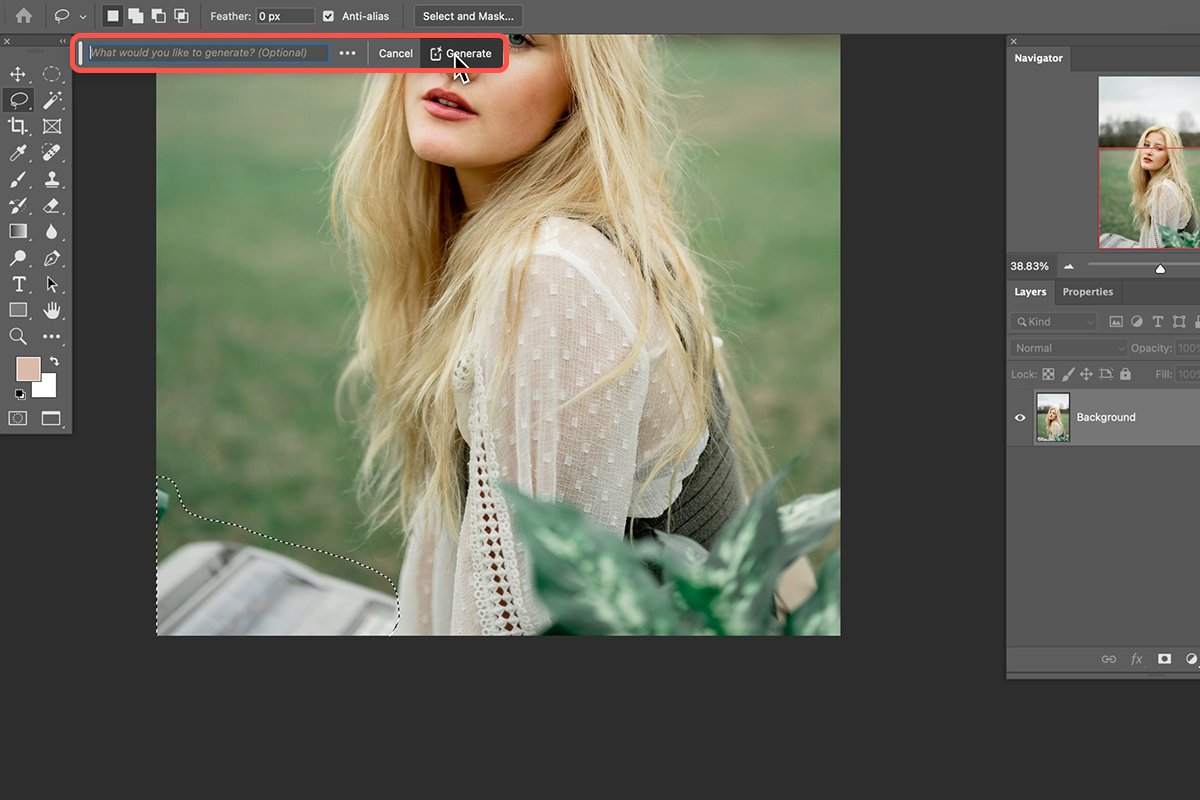
Removing backgrounds from images used to be a task that required professional tools like Photoshop and solid editing skills. You had to manually select objects, refine edges, and spend a lot of time on small details. For beginners, it often felt complicated and time-consuming.
- Why People Want to Remove Backgrounds
- What Is an AI Background Remover?
- How AI Removes Background Without Photoshop
- Step 1: Image Analysis
- Step 2: Subject Detection
- Step 3: Background Separation
- Step 4: Edge Refinement
- Step 5: Final Output
- Step-by-Step: How to Remove Background Without Photoshop
- Benefits of Using AI Instead of Photoshop
- When Should You Use AI Background Removal?
- Tips for Best Results
- Common Mistakes to Avoid
- Free vs Paid AI Background Removers
- Why AI Is Replacing Photoshop for Background Removal
- Real-World Use Cases
- Final Thoughts
But things have changed. With AI-powered tools, you can now remove backgrounds without Photoshop in just a few seconds. No design experience is needed, and everything works online.
In this guide, you’ll learn how AI background removal works, how to use it step by step, and why it has become the preferred method for most users in 2026.
Why People Want to Remove Backgrounds
Background removal is used in many situations today:
- Product photos for online stores
- Social media posts and content creation
- Marketing banners and ads
- Profile pictures and branding
- Educational or presentation visuals
A clean background helps the subject stand out and makes the image more professional.
What Is an AI Background Remover?
An AI background remover is an online tool that automatically detects the main subject in an image and removes everything else behind it. Instead of manually editing, AI analyzes the image and does the work for you.
You can try a simple Free Background Remover to see how quickly it works.
These tools are designed for beginners, content creators, and businesses who need fast and accurate results.



How AI Removes Background Without Photoshop
AI background removal works through automation and machine learning. Here’s a simple breakdown:
Step 1: Image Analysis
The AI scans the image and identifies objects, shapes, and edges.
Step 2: Subject Detection
It detects the main subject such as a person, product, or object.
Step 3: Background Separation
The system separates the subject from the background.
Step 4: Edge Refinement
It carefully cleans edges like hair, corners, and fine details.
Step 5: Final Output
The image is exported with a transparent or clean background.
This entire process takes only a few seconds.
Step-by-Step: How to Remove Background Without Photoshop
Here is a simple method anyone can follow:
Step 1: Upload Your Image
Choose an image from your device.
Step 2: AI Processing
The tool automatically detects and removes the background.
Step 3: Preview Result
Check if the subject looks clean and natural.
Step 4: Download Image
Save your final image in PNG or transparent format.
Using a tool like AI Background Remover makes this process fast and beginner-friendly.
Benefits of Using AI Instead of Photoshop
AI tools offer several advantages over traditional editing software.
No Skills Required
You don’t need any design experience.
Fast Results
Backgrounds are removed in seconds.
No Installation
Everything works online in your browser.
Cost Effective
Many tools are free or low-cost.
Consistent Quality
AI produces stable results across multiple images.
When Should You Use AI Background Removal?
AI tools are useful in many situations:
E-Commerce Stores
Clean product images increase trust and sales.
Social Media Content
Creators can make eye-catching posts easily.
Business Branding
Logos and visuals look more professional.
Personal Use
Profile pictures, resumes, and presentations.
Tips for Best Results
To get better output, follow these simple tips:
Use High-Quality Images
Clear images help AI detect edges better.
Good Lighting
Proper lighting improves accuracy.
Simple Backgrounds
Less clutter gives better results.
Check Edges Before Download
Always preview the final image.
Common Mistakes to Avoid
Even though AI is easy to use, mistakes can still affect results:
- Uploading blurry images
- Using very dark or noisy backgrounds
- Ignoring edge accuracy
- Not reviewing the final output
Avoiding these improves your image quality.
Free vs Paid AI Background Removers
There are two main types of tools available:
Free Tools
- No cost
- Good for basic use
- May include limits or watermarks
Paid Tools
- Higher quality output
- Faster processing
- No restrictions
- Better for professional work
For beginners, starting with a Free Background Remover is often enough.
Why AI Is Replacing Photoshop for Background Removal
Photoshop is still powerful, but AI tools are becoming more popular because they are faster and easier. Most users today don’t need complex editing—they just need clean results.
AI removes the technical barrier and allows anyone to create professional-looking images without training.
Real-World Use Cases
Online Sellers
Improve product listing images.
Influencers
Create clean and attractive content.
Freelancers
Deliver faster results to clients.
Students
Use for projects and presentations.
Final Thoughts
Removing backgrounds without Photoshop is now simple thanks to AI tools. You don’t need advanced skills or expensive software anymore.
With tools like AI Background Remover and Free Background Remover, anyone can create clean and professional images in seconds.
Whether you are running an online business, creating content, or working on personal projects, AI makes the entire process faster and easier.
If you haven’t tried it yet, start with a basic tool and see how quickly it works. Over time, you’ll realize that AI background removal is one of the most practical tools for everyday digital work.