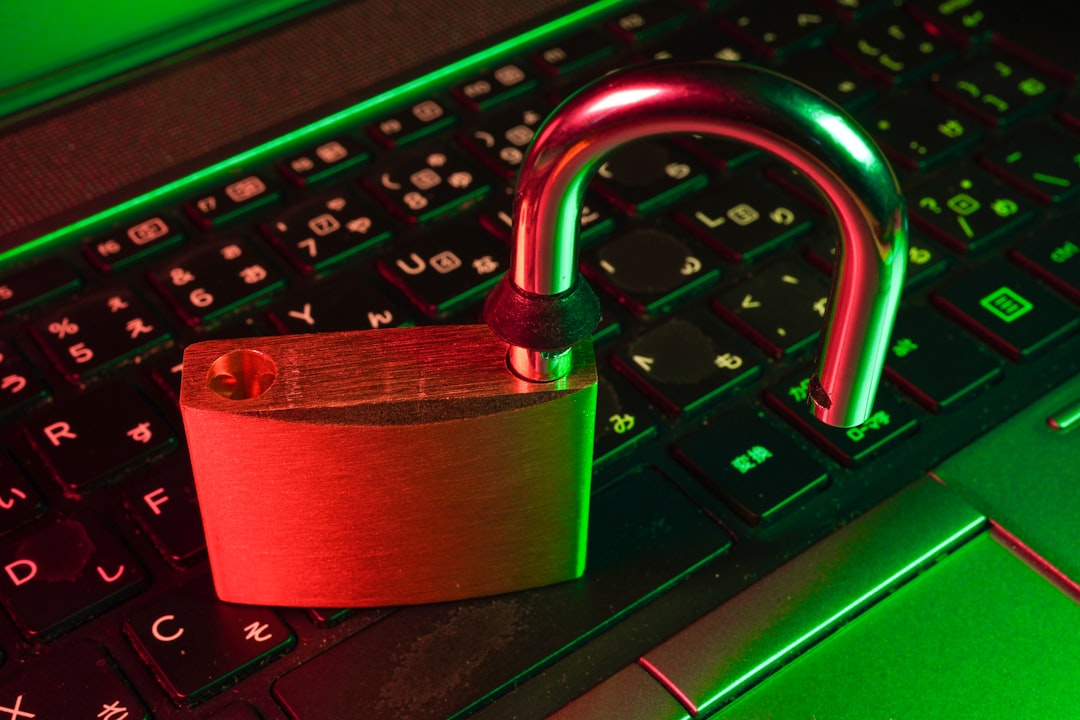
I remember that, in my previous job, one day I sat at the computer, ready to start my tasks as I did on any other normal day. But when I tried to access the company’s website, an error appeared.
I immediately informed my superiors, and they told me something I wasn’t expecting: we were under a cyberattack and had lost control of the website.
Unfortunately, this is a reality for many people and businesses. Hackers spend their time looking carefully for that tiny little space, an error that they can use to get into your website, as if they were burglars entering your home through an open window in the middle of the night.
Scary, right? And the consequences of a security breach are even worse:
- Interruption and suspension of operations.
- Financial losses for remediation and potential fines.
- Clients lose trust because their data is not safe with you.
And you might be thinking, “I have a little website and a tiny business, that won’t happen to me”, but… are you sure? Hackers don’t care about your goals or the money you make. Where they see an opportunity, they will get in.
That’s why, in this post, a Chicago web development agency provides five tips to improve the security measures on your website and reduce the possibilities of a cyberattack.
1. Use an HTTPS Protocol
Ever wondered what that “https” is at the beginning of a website’s URL? It’s a security protocol displayed to secure the transfer of online data between a website and a browser.
The Hypertext Transfer Protocol Secure (HTTPS) encrypts data, making it less accessible to attackers. Therefore, the navigation is more secure. All the websites that handle sensitive information, such as banking sites, should use this protocol.



When pages do not have it, a “not secure” message appears next to the URL bar. Always make sure that your website contains this protocol to guarantee users that their data is safe with you and to avoid attacks.
2. Keep Your Systems Updated
Something as simple as having software up to date can save you from a cyberattack.
Updating software is important because of:
- Advanced security updates: New versions of programs usually incorporate fixes for vulnerabilities that hackers could exploit.
- Bug fixing: Updated versions of software fix errors that might cause the system to crash or malfunction.
New versions of software usually have improved security measures, so if you don’t update the software you use, you might be more vulnerable to attacks and viruses.
You can permit automatic updates to make sure you always have the latest version of your software. Keeping your systems up to date will decrease the chances of an eventual security breach, apart from avoiding bugs and other issues.
3. Reinforce Password and Authentication Methods
A weak password is the perfect opportunity for cybercriminals.
Experts in cybersecurity recommend using different passwords for different platforms. A good password contains more than 12 characters and mixes uppercase and lowercase letters, numbers, and symbols. Avoid using complete phrases, information that is public or easy to guess.
Moreover, multi-factor authentication (MFA) is another technique to secure your accounts. In addition to the password, you can use other methods of confirming your identity. It can be through different techniques, like a PIN, a QR code, or even using your fingerprints.
The importance of another authentication measure is that, even if your password is vulnerable, no one will be able to access your account and get your information, thanks to this additional layer of security.
4. Make an Offsite Backup
An off-site backup is a copy of your site’s data and code stored in a location different from where your server is.
Let’s suppose you suffer from a ransomware attack, like the company in the introduction. Even if your main website or server is in danger, the copy will remain intact because it is in another place. After that, you can easily restore the website’s information.
Separating the copy (decoupling) from where your server is creates resilience in the event of a hack or a system failure. You can continue operating without starting from zero.
5. Incorporate Web Application Firewalls
For websites and mobile applications, Web Application Firewalls (WAFs) are another tool in the line of defense.
These firewalls analyze and control data going to and from mobile applications. They can detect common security risks, such as SQL injections or cross-site scripting. When the system detects any form of unusual behaviour, it blocks it before it can enter the server.
This firewall defends your website and application from unauthorized access, protecting data and preventing attacks.
Protect your Website Wisely
With these five key points, you can improve your website’s security:
- HTTPS protocol of encryption.
- Updating software.
- Strengthening passwords and authentication methods.
- Making an off-site backup copy.
- Implementing web application firewalls.
During the development of the website, consider these cybersecurity pillars to ensure it has a strong foundation and to reduce the possibility of suffering attacks in the future.
A secure website is a must. Stop being afraid of hackers and make your website a strong fortress today with these tips.
You Might Also Like: NSFEMonster: Complete Guide to Understanding This Viral Trend