You just had a great sales call. The prospect liked what they heard. They asked good questions. At the end, they said: “This looks promising. Can you send something over so I can show my team?”
- Why B2B Sales Take So Long
- What a Product Launch Video Can Do in a Sales Process
- About That 30% Number
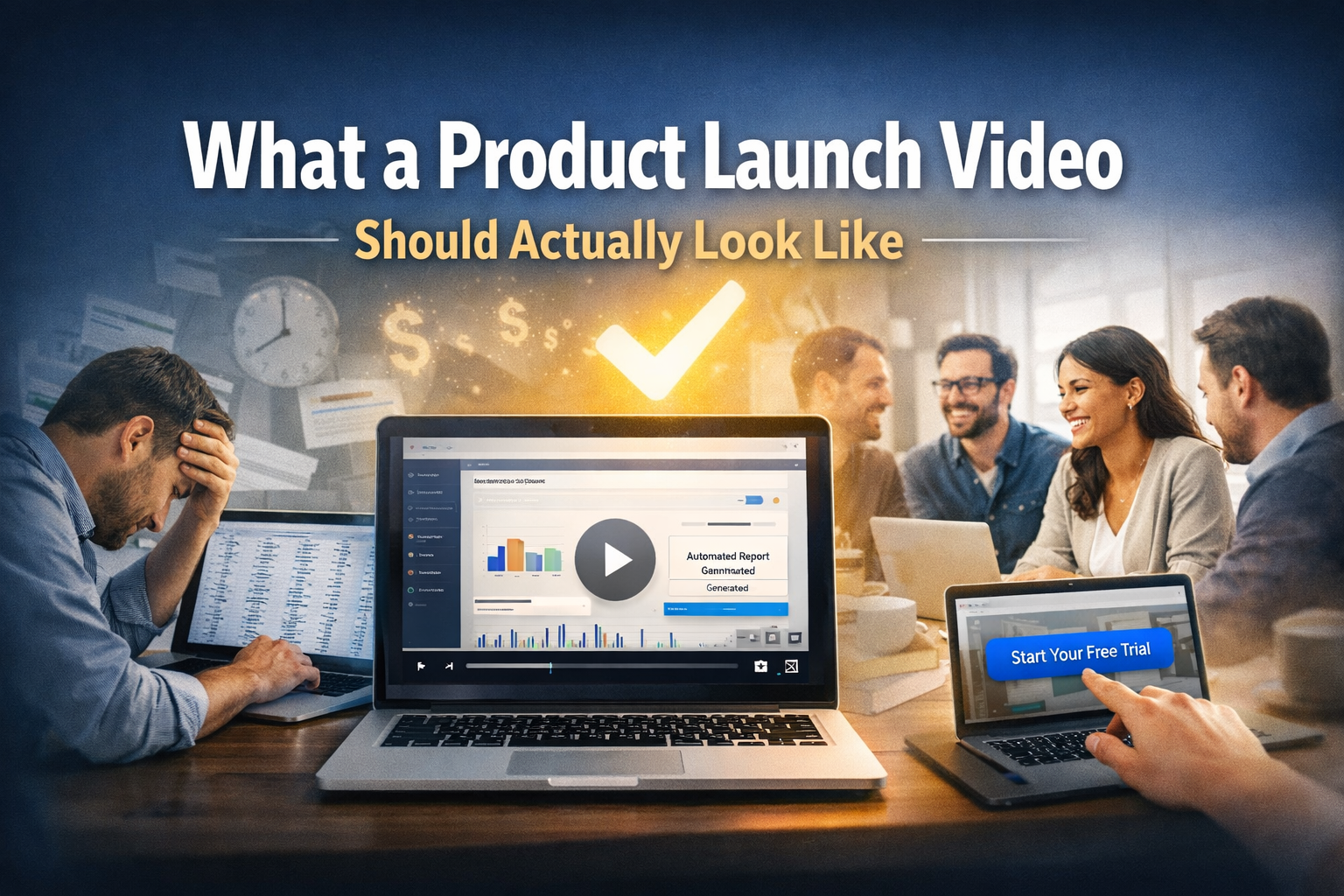
- What a Product Launch Video Should Actually Look Like
- Start With the Problem (0 to 8 seconds)
- Show What It Costs (8 to 20 seconds)
- Explain How It Works, Simply (20 to 50 seconds)
- Show the Result (50 to 75 seconds)
- End With One Clear Next Step (75 to 90 seconds)
- Three Places to Use This Video in Your Sales Process
- Three Mistakes to Avoid
- How to Know If It Is Working
- One Last Thing
You send the deck. You follow up a week later. Then again. Then once more.
The deal goes quiet.
This happens to founders and sales directors every single day. And most of the time, the pitch was not the problem. The product was not the problem.
The problem was that nothing travelled with the buyer after the call ended.
When your prospect goes back to their office, they have to explain your product to three, five, sometimes ten other people. And every time they try to explain it, something gets lost. The message gets weaker. The decision takes longer.
A good product launch video solves this. Done right, it can cut your sales cycle by around 30%.
Here is how.



Why B2B Sales Take So Long
B2B deals are slow for one simple reason: the person you speak to is not the only one who decides.
Research from Gartner shows that the average B2B purchase involves six to ten people. You meet one of them. The others evaluate your product without you in the room.
Every time your contact has to re-explain your product to a colleague, you lose another week. The message gets watered down. The momentum fades.
Most vendors never give buyers anything useful to share with their team. So the buyer is left doing the selling for you, usually without the right words, the right context, or the time to do it well.
A product launch video changes this. It travels with the buyer. It tells your story the same way, every single time, to every person on the buying team.
What a Product Launch Video Can Do in a Sales Process
Most people think a product launch video is a marketing tool. Something you post on LinkedIn or put on your homepage when you ship a new feature.
That thinking is too narrow.
In sales, a product launch video is a tool that does three things:
- It explains your product clearly to someone who has never heard of you.
- It helps people feel the problem your product solves.
- It makes it easy for your buyer to sell your product internally.
When the video does all three, your buyer does not have to write a long Slack message trying to summarise your pitch. They just forward the video. The video does the work for them.
That is where the time savings come from.
About That 30% Number
Let me be straight with you.
A 30% reduction in sales cycle length is not a guarantee. But it is a realistic target for companies that use video deliberately inside their sales process, not just in their marketing.
Here is the simple maths. If your average deal takes 75 days to close, and you can cut out two rounds of “let me loop in my team” back-and-forth, you save around 15 to 20 days right there. Add fewer follow-up calls because prospects already understand your product, and 30% becomes very achievable.
The companies that hit this number do one thing differently: they use the video before and after sales calls, not just on their website.
What a Product Launch Video Should Actually Look Like
Most product launch videos are too long, too feature-heavy, and too focused on what the company wants to say rather than what the buyer needs to hear.
Here is a simple structure that works for sales.
Start With the Problem (0 to 8 seconds)
Open with a problem your buyer actually has. Be specific.
Not: “Businesses waste time on manual processes.”
Instead: “Your finance team is manually copying data between four spreadsheets every Monday morning. It takes three hours. It should take ten minutes.”
Specific problems feel real. Vague problems feel like marketing. You have about eight seconds to make the viewer feel like this video is for them.
Show What It Costs (8 to 20 seconds)
After you name the problem, show what it is costing them.
Time. Money. Stress. Missed opportunities. Something real.
This matters because many people watching your video were not on your sales call. They have no emotional connection to the problem yet. This section gives them that context. It turns your product from “something someone on the team requested” into “something we probably all need.”
Explain How It Works, Simply (20 to 50 seconds)
This is where most videos go wrong.
They list features. “Our platform has automated workflows, a real-time dashboard, and integrations with 200 tools.” That is a spec sheet. It means nothing to someone who just learned your product exists 20 seconds ago.
Instead, explain the one thing your product does that makes the problem go away. Keep it simple. Show it visually. Say it in plain English.
One idea. Stated simply. That is all you need here.
Show the Result (50 to 75 seconds)
Do not just show your product’s interface. Show what life looks like after the problem is solved.
The team member who gets her Monday mornings back. The founder who stopped getting late-night panic messages. The manager who now closes the books three days faster.
People watching this video need to picture themselves after using your product. Give them that picture.
End With One Clear Next Step (75 to 90 seconds)
Finish with one action you want them to take. Not two. Not three. One.
“Start your free trial.” “Book a 20-minute demo.” “Watch the full walkthrough.”
Make it easy. Make it low-risk. And make it clear what happens when they click.
Three Places to Use This Video in Your Sales Process
The video only works if people actually see it. Here are the three moments where it does the most good.
Before the Call
Most teams send a calendar invite and a “looking forward to speaking” email before a discovery call.
Try sending the video instead. Or alongside the invite.
When buyers watch the video before the call, they show up already knowing what you do. This cuts 10 to 15 minutes of basic explanation off every first call. It also means the people who show up are genuinely interested, not just curious.
In the Follow-Up Email
After any sales call, put the video in your follow-up email.
Not the deck. Not a PDF. The video.
Your buyer will forward that email to their team. People are far more likely to watch a 90-second video than read a six-page document. The video makes your case in every meeting you are not in.
This is the single highest-impact change most sales teams can make, and it costs nothing to try.
When You Have a Champion Inside the Company
If someone inside the buyer’s organisation is pushing for your product internally, make it easy for them.
Send them the video to share in Slack or in their next team meeting. Give them one sentence they can use to introduce it. Make it effortless for them to advocate for you.
The harder it is for your champion to explain your product, the longer the deal takes. The video removes that friction.
Three Mistakes to Avoid
Writing the script for yourself, not your buyer.
It is tempting to highlight the feature you are most proud of, or the one that took the longest to build. But that is not always what the buyer cares about. Write for the most sceptical person in the room, not the most enthusiastic one.
Making it too long.
Ninety seconds is enough. Anything over two minutes loses most viewers before the end. If you feel like you need more time to explain your product, that is usually a sign the message needs simplifying, not that the video needs to be longer.
Producing it without a plan.
A video that sits on a homepage and never gets sent to a prospect is not a sales tool. It is a marketing decoration. Before you produce the video, decide exactly where it will live in your sales process and who will use it and when.
This is where working with people who understand both video and B2B sales really matters. The team at What A Story works specifically with SaaS and B2B companies to build videos that are designed to move deals forward, not just to look good. That distinction changes what gets made and how it gets used.
How to Know If It Is Working
You do not need fancy software to measure this. Start simple.
Watch the completion rate. If people are dropping off in the first 20 seconds, your opening is not connecting. The problem you named is either too vague or not relevant enough to the viewer. That is your signal to go back and sharpen the hook.
Notice whether buyers are forwarding it. This is one of the clearest signs the video is doing its job. When a prospect shares your video with their team without you asking, it means the message landed well enough for them to stake their own reputation on it. That kind of organic sharing is exactly what shortens internal decision timelines.
Pay attention to how quickly people reply after you send it. A buyer who watches a video and replies the same day is a very different signal from one who takes five days to respond. Reply speed tells you whether the video created urgency or just got filed away.
Compare deal timelines across your pipeline. Look at deals where you sent the video early in the process versus deals where you did not. Over time, a clear pattern will emerge. Deals with early video touchpoints tend to move faster through each stage because there is less catching up to do at every handoff.
Track these four things over 60 to 90 days. The picture will become very clear, very quickly.
One Last Thing
The 30% reduction does not come from having a video. It comes from having the right video, used in the right moments, with a clear purpose behind it.
Founders and directors who see results from this share one mindset: they treat the product launch video as a sales tool from the very beginning. Not a marketing deliverable. Not a box to check after the launch announcement. A tool that does real work in the sales process.
If you build it that way, measure it, and use it consistently, you will feel the difference in your pipeline within a quarter.
The 30 days you save on your next deal will make the case better than anything else could.