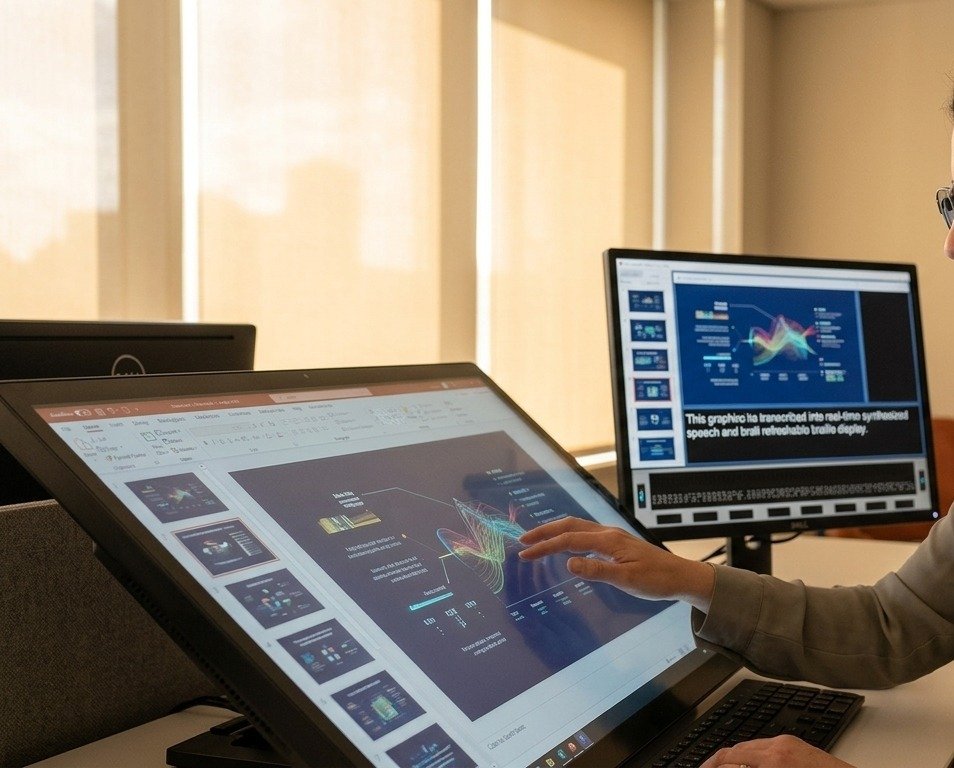
The internet is built on visuals. From product shots on e-commerce sites to infographics on news articles, images convey massive amounts of information quickly. But for millions of people with visual impairments, this visual-first approach creates significant barriers. When critical information is locked inside an image file, it becomes invisible to the screen readers they rely on to navigate the digital world. This can turn a simple task like online shopping or social media browsing into a frustrating experience.
- Real-World Scenarios for Text Extraction
- Use Case 1: Navigating E-Commerce and Online Shopping
- Use Case 2: Accessing Educational and Informational Content
- Use Case 3: Engaging with Social Media and Digital Communities
- Benefits of Text Extraction for Accessibility
- A Practical Workflow: How It Works
- Step 1: Encountering the Image
- Step 2: Activating the Extraction Tool
- Step 3: The AI-Powered Conversion
- Step 4: Generating Plain Text
- Step 5: Announcing the Information
- Conclusion
Fortunately, technology offers a powerful solution that goes beyond simple optical character recognition (OCR). Modern tools that extract text from images are transforming digital content into an accessible format, giving visually impaired users greater independence and inclusion. By converting visual text into machine-readable data, these tools empower screen readers to announce crucial details that would otherwise be missed. This article explores the real-world scenarios where this technology is making a profound difference every day.
Real-World Scenarios for Text Extraction
The true impact of this technology is best understood through the daily challenges it helps solve. For visually impaired users, it’s not an abstract concept, it’s a practical key that unlocks parts of the internet that were previously closed off. Let’s look at three common situations where extracting text from images creates a more equitable digital experience.
Use Case 1: Navigating E-Commerce and Online Shopping
Online shopping should be convenient for everyone, but it often presents major hurdles for those who use screen readers. Many e-commerce websites embed essential information directly into product images. Think of bright red banners announcing “50% Off,” bold text highlighting “Free Shipping,” or a list of key specifications printed next to the product. A standard screen reader cannot see this information; it can only read the file name or a poorly written alt tag, if one even exists.
This leaves the visually impaired shopper at a disadvantage. They might miss out on a limited-time sale or be unable to compare the features of two similar products. Text extraction technology completely changes this. A user can employ a tool to scan the product image, and the software will identify and read out the embedded text. Suddenly, the screen reader announces the discount, the shipping offer, or the technical specs. This empowers the user to make informed purchasing decisions with the same information available to sighted customers, fostering true independence.
Use Case 2: Accessing Educational and Informational Content
The web is the world’s largest library, but much of its most valuable content is presented visually. Students and researchers often encounter critical data in the form of charts, graphs, and complex infographics. For a sighted person, a bar chart can explain a concept in seconds. For a screen reader user, it’s a silent, inaccessible block on the page. This creates a significant gap in educational opportunities.
This is where an advanced image to text converter becomes an indispensable learning tool. Imagine a history student studying a digital textbook. They encounter an infographic detailing a historical timeline with key dates, events, and figures. By using a text extraction tool, the student can process the infographic and have their screen reader announce the information sequentially. The technology effectively deconstructs the visual data and presents it as logical, audible text, ensuring the student doesn’t miss out on vital course material.
Use Case 3: Engaging with Social Media and Digital Communities
Social media platforms are driven by visual content. Memes, inspirational quotes overlaid on scenic backgrounds, and event flyers are the currency of online interaction. Unfortunately, creators often neglect to add descriptive alt text, which is the primary way a screen reader understands an image. This effectively excludes visually impaired individuals from cultural conversations, inside jokes, and community announcements shared by their friends and family.



Tools designed to pull text from images are bridging this social gap. A user browsing their social feed can activate a feature that automatically scans images for text. When they scroll past a popular meme, the tool extracts the caption, and the screen reader reads it aloud. When a friend posts a digital flyer for a local concert, the user can hear the date, time, venue, and ticket information. This technology transforms social media from a source of exclusion into a platform for genuine connection and participation.
Benefits of Text Extraction for Accessibility
The advantages of this technology go beyond simple convenience. It directly addresses core challenges faced by visually impaired users, promoting a more independent and inclusive online experience. The following table summarizes the key benefits across the scenarios we’ve discussed.
| Scenario | Primary Challenge | Benefit of Text Extraction |
| — | — | — |
| E-Commerce | Product images with embedded prices, sales, or specs are unreadable by screen readers. | Enables independent and informed purchasing decisions, fostering financial autonomy. |
| Education | Critical data in infographics, charts, and diagrams is inaccessible to students. | Unlocks access to visual data and information, ensuring equal learning opportunities. |
| Social Media | Memes, quotes, and event flyers shared as images exclude users from conversations. | Promotes social inclusion and allows full participation in digital culture and communities. |
A Practical Workflow: How It Works
Understanding how this process works from the user’s perspective highlights its simplicity and power. It’s not a complicated or technical procedure but rather a seamless integration into the browsing experience. Here is a typical workflow for a visually impaired user.
Step 1: Encountering the Image
The process begins when a user, navigating with a screen reader, encounters an image on a website, social media platform, or in a digital document. The screen reader might announce it as “image” or read a non-descriptive file name, signaling that its content is unknown.
Step 2: Activating the Extraction Tool
The user then activates a text extraction tool. This could be a dedicated browser extension that adds a command to the right-click menu, a feature built into their screen reader software, or a standalone website where they can upload or link to the image.
Step 3: The AI-Powered Conversion
Once activated, the tool’s AI gets to work. It analyzes the pixels of the image to identify patterns that look like letters, numbers, and symbols. Modern algorithms can recognize a vast array of fonts, handle text on varied backgrounds, and even interpret text that is slightly distorted or stylized.
Step 4: Generating Plain Text
The tool converts the recognized characters into a clean, machine-readable text string. This output is stripped of its visual formatting and presented as simple data that any assistive technology can understand.
Step 5: Announcing the Information
Finally, this plain text is fed to the screen reader. The software vocalizes the content, reading it aloud to the user. What was once a silent visual barrier is transformed into audible, accessible information, seamlessly completing the user’s experience of the webpage.
Conclusion
The digital world’s heavy reliance on visual communication will only continue to grow. While the ultimate goal should always be for content creators to build accessibility into their designs from the start, text extraction technology provides a crucial and immediate solution. It empowers visually impaired users to overcome existing barriers and engage with online content on their own terms.
From making an independent purchase to keeping up with friends on social media or accessing educational materials, this technology delivers tangible benefits. It fosters independence, promotes inclusivity, and ensures that the internet lives up to its promise of being a resource for everyone. By unlocking the vast amount of information trapped within images, we move closer to a truly accessible digital future.