In today’s digital-first world, knowing how to create a free digital signature is an essential skill for professionals, freelancers, and business owners alike. Electronic signatures make it possible to approve contracts, proposals, and agreements without printing, scanning, or mailing documents. They save time, reduce costs, and support remote work, making them a standard part of modern workflows across industries.
An electronic signature, often called an e-signature, is any electronic indication of intent to sign a document. This can include typing your name, clicking a “Sign” button, drawing a signature with a mouse or touchscreen, or using a secure signing platform. What matters most is that the signature demonstrates consent and can be legally verified when required.
As digital documentation becomes the norm, people often ask practical questions about e-signatures. For example, which method is best, how secure different options are, and whether they meet legal requirements. The good news is that creating an electronic signature is easier than ever, and there are multiple methods to suit different needs and levels of formality.
One of the most common questions users have is how to electronically sign a word document, especially when working with contracts or agreements created in Microsoft Word. Fortunately, there are several straightforward approaches that allow you to sign documents digitally without converting files or installing complex software.
Method 1: Typing Your Name as an Electronic Signature
The simplest way to create an electronic signature is by typing your name at the end of a document. Many online forms and agreements accept this method as a valid e-signature, especially for low-risk or internal documents. Typing your name is fast, accessible, and requires no additional tools.
However, typed signatures offer minimal security. They are best suited for informal agreements or situations where identity verification is not critical. For more sensitive documents, typed signatures may not provide sufficient proof of authenticity or intent.
Method 2: Drawing Your Signature Digitally



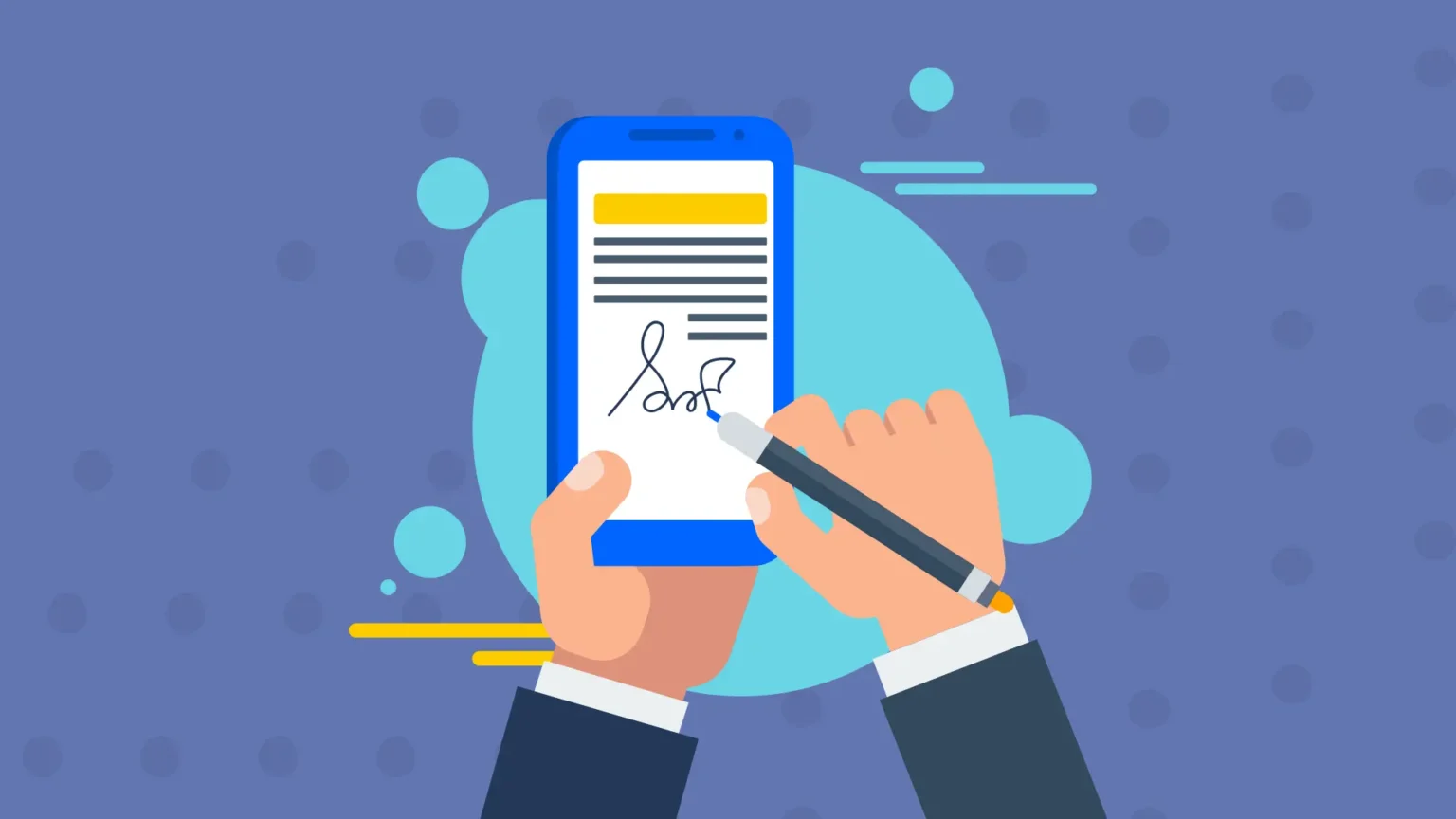
Another popular method is drawing your signature using a mouse, stylus, or touchscreen. Many PDF editors and online signing tools allow users to draw a signature and apply it to documents. This method closely resembles a handwritten signature and feels more personal to many users.
Digitally drawn signatures offer a moderate level of security and are commonly used for business documents, client approvals, and service agreements. While still relatively simple, they provide better visual confirmation of intent compared to typed names.
Method 3: Uploading an Image of Your Signature
Some users prefer to scan or photograph their handwritten signature and upload it as an image. This image can then be inserted into documents whenever a signature is needed. This approach is useful for maintaining a consistent signature appearance across documents.
While uploading a signature image is convenient, it does not automatically include security features such as audit trails or identity verification. As a result, it is best used for documents that do not require strict compliance or legal validation.
Method 4: Using a Dedicated E-Signature Platform
The most secure and professional method is using a dedicated e-signature platform. These tools guide users through the signing process, verify identities, record timestamps, and create detailed audit trails. This ensures that signatures are legally binding and tamper-resistant.
Platforms like GetAccept go beyond basic signing by combining document tracking, engagement analytics, and secure electronic signatures in one solution. This approach is especially valuable for sales teams and businesses that rely on proposals, contracts, and approvals to close deals efficiently.
Below is a table comparing the four electronic signature methods and their ideal use cases:
| Method | Ease of Use | Security Level | Best Use Case |
| Typed Name | Very Easy | Low | Informal agreements |
| Drawn Signature | Easy | Medium | Business documents |
| Uploaded Image | Easy | Medium | Repeated signature use |
| E-Signature Platform | Moderate | High | Legal and commercial contracts |
Legal Validity of Electronic Signatures
Electronic signatures are legally recognized in many countries under regulations such as the ESIGN Act in the United States and eIDAS in the European Union. These laws confirm that electronic signatures carry the same legal weight as handwritten ones, provided certain criteria are met.
Dedicated e-signature platforms are particularly helpful in ensuring compliance. They automatically capture evidence such as signer identity, IP address, time of signing, and document integrity. This makes them suitable for high-value or legally sensitive agreements.
Choosing the Right Method for Your Needs
The best method for creating an electronic signature depends on the context. For quick internal approvals, a typed or drawn signature may be sufficient. For client-facing documents, contracts, or sales proposals, a secure platform is often the better choice.
Businesses that sign documents frequently benefit most from integrated solutions like GetAccept. These platforms reduce administrative work, speed up approvals, and provide full visibility into document status, helping teams close deals faster.
The Future of Electronic Signatures
As technology advances, electronic signatures continue to evolve. Emerging trends include biometric authentication, AI-driven fraud detection, and deeper integration with business systems. These innovations aim to increase trust while maintaining ease of use.
In the near future, electronic signatures will become even more seamless, secure, and intelligent. For individuals and organizations alike, mastering electronic signing methods is no longer optional—it is a core digital skill.
Conclusion
Creating an electronic signature is simple, flexible, and accessible to everyone. Whether you type your name, draw your signature, upload an image, or use a professional platform like GetAccept, there is a method to suit every need. Understanding these four easy methods empowers you to sign documents efficiently while choosing the right balance between convenience and security in a digital world.