What Is a Short URL?
A short URL is a condensed version of a long web address — a brief, clean link that redirects users to the original destination.
Url shortener work by mapping a short code to the original long URL in a database. When someone clicks the short link, the service looks up the code and instantly redirects the browser to the full destination — usually in milliseconds.
Why Use a URL Shortener?
Short URLs have become indispensable across marketing, social media, print materials, and everyday communication. Here’s why millions of people rely on them:
1. Cleaner, More Shareable Links
Long URLs are visually cluttered and hard to type or remember. A short link looks professional and is far easier to share verbally, in print ads, on packaging, or in emails. Clean links also increase click-through rates because they appear more trustworthy.
2. Custom Branding & Memorability
Modern URL shorteners let you create branded short links with your own alias. Instead of a random string of characters, you get a memorable link like yourlink/my-brand — one that reinforces your identity every time it’s shared. Custom aliases improve brand recall and signal professionalism.
3. Powerful Analytics & Tracking
Every click on a short url can be tracked. Most platforms provide detailed analytics including:
- Total clicks and unique visitors
- Geographic location of clickers
- Device type (mobile, desktop, tablet)
- Referral source (where the clicks came from)
- Click performance over time
This data is invaluable for marketers, content creators, and businesses wanting to measure campaign performance.
4. UTM Parameter Management
Short URLs help you manage complex tracking parameters more elegantly. Rather than exposing long UTM-tagged URLs, you can embed full tracking links behind a clean short address — making your content look polished without sacrificing data.



5. Easy to Update (Link Retargeting)
Many shorteners allow you to update the destination of a short link without changing the link itself. This is a powerful feature for campaigns: if a landing page URL changes, you can redirect without reprinting materials or updating every post.
Can I Create Custom Short Links With My Own Name?
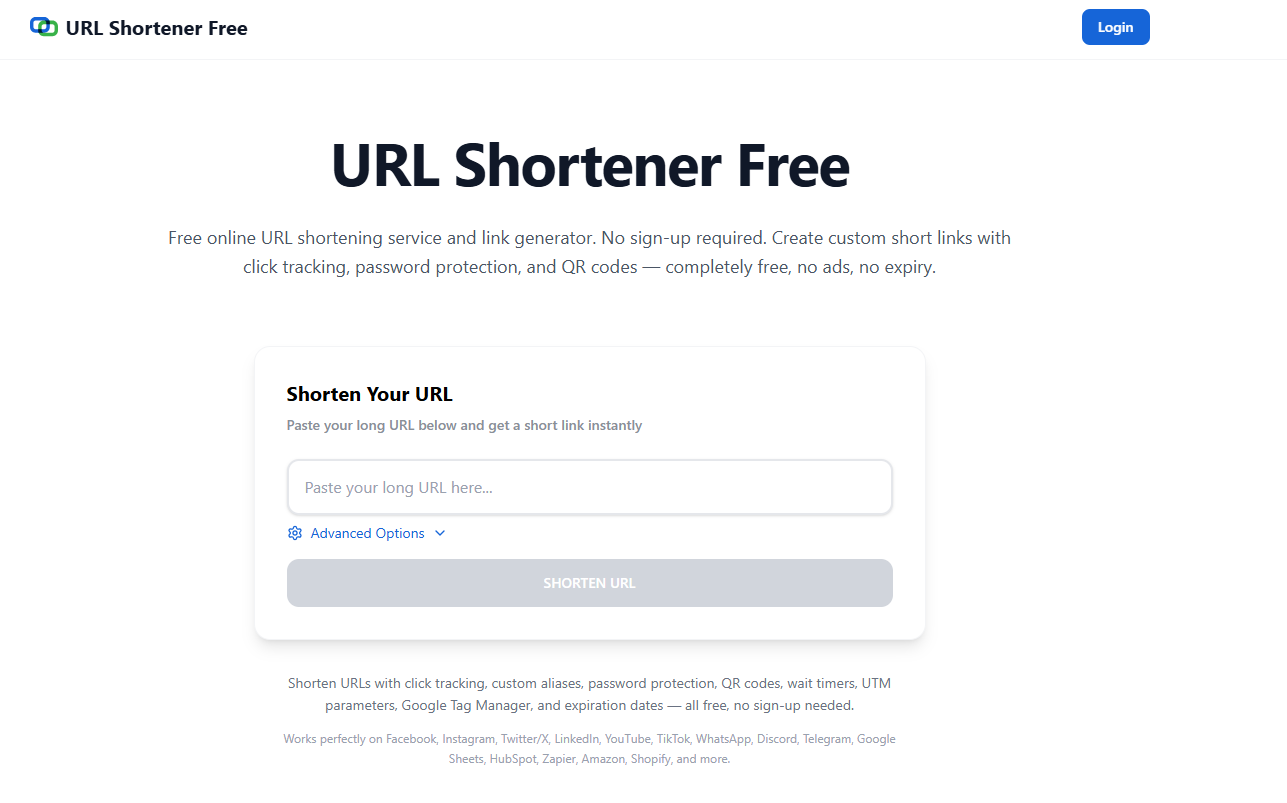
Absolutely. When shortening a URL, simply click ‘Advanced Options’ to set a custom alias or name. Instead of a random auto-generated code, you can create a memorable custom short link like yourlink/my-brand.
Custom URL shortening is completely free to use and offers significant advantages:
- Brand consistency across all your shared links
- Higher click-through rates due to recognizable, trustworthy URLs
- Easier link management — you know exactly what each link points to
- Professional appearance in emails, presentations, and social posts
For example, a company called ‘TechNova’ might use custom links like:
- techno.va/launch-event
- techno.va/free-trial
- techno.va/case-study
These branded short links instantly communicate context, reinforce the brand, and build audience trust.
Free API & Integrations
One of the most powerful features of modern URL shorteners is the ability to automate link creation via a free API. With a URL shortener API, developers and businesses can:
- Programmatically generate short links at scale
- Integrate shortening directly into CMS platforms, apps, or workflows
- Build custom dashboards displaying link analytics
- Automate UTM tagging and campaign tracking
- Create dynamic short links for personalized outreach
Common API Use Cases
E-commerce: Automatically shorten product URLs in bulk for email campaigns. Social Media Tools: Generate short links dynamically when scheduling posts. SaaS Platforms: Embed short links in user-generated content or notification emails. CRM Systems: Track individual recipient click behavior with unique short links per contact.
Most APIs use simple REST architecture with JSON responses, making integration quick and accessible for developers of all skill levels. Authentication is typically handled via an API key, and many platforms offer generous free tiers with no credit card required.
Best Practices for Using Short URLs
Keep Custom Aliases Descriptive
A good custom alias gives the reader a hint about the destination before they even click. Use words like /signup, /guide, /demo, or /offer instead of random strings.
Use Short URLs Consistently
Standardize your link shortening across all channels — social media, email, print, and paid ads. Consistency makes it easier to audit performance and maintain a recognizable brand presence.
Monitor Your Link Analytics
Don’t just shorten and forget. Regularly review click data to understand what content resonates with your audience, when they’re most active, and which channels drive the most traffic.
Avoid Link Rot
Periodically check that your short links still point to valid, live pages. Dead links damage user experience and brand credibility. Use link management tools to update destinations quickly when pages change.
Be Transparent
Users are wary of unexpected redirects. Using branded short URLs (with your domain or name) builds trust and signals that the link is legitimate — not a phishing attempt.
Conclusion
Short URLs are far more than a convenience — they are a strategic tool for branding, marketing analytics, and seamless user experience. Whether you’re a solo creator sharing content on social media or an enterprise managing thousands of campaign links, URL shorteners offer measurable value.
With free custom aliases, powerful analytics, and developer-friendly APIs, there’s every reason to make short URLs a core part of your digital toolkit. Start shortening smarter today.